Platform overview

Build, run, and manage integrations customers can own.

CXFabric gives teams the building tools and operating controls to create customer experience integrations across AI, CRM, contact center, CPaaS, data, and back-office systems, then deploy them into the environment the customer controls.

CXFabric platform Layered architecture
Experience systems CRM, contact center, CPaaS, AI, customer apps
Channels
Connectors and events APIs, webhooks, files, databases, queues
Integration
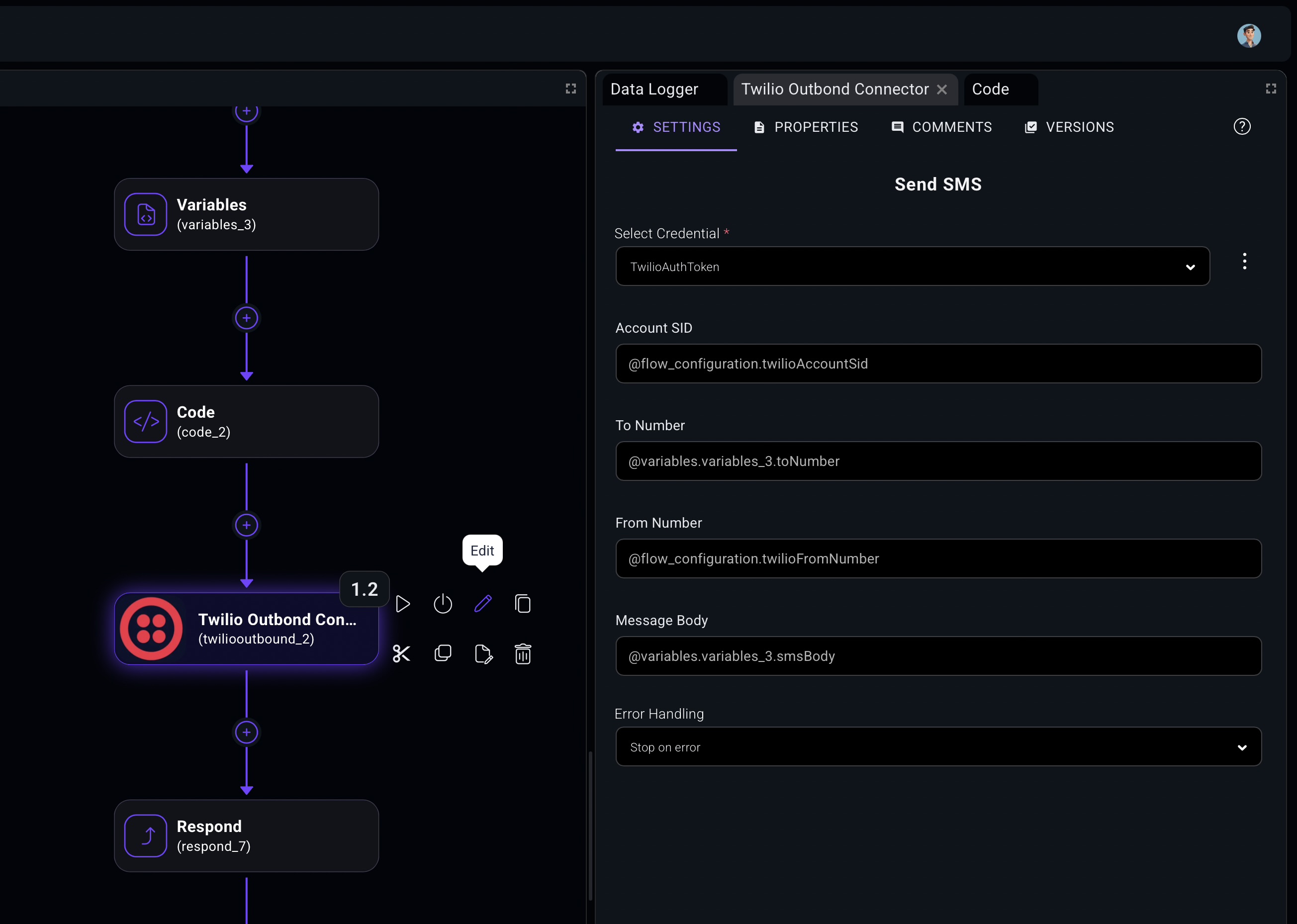
Automation designer Visual flows, components, code, AI steps
Build
Core platform services Credentials, schedules, variables, execution history
Services
Governance and control Roles, approvals, audit, versioned releases
Trust
Customer-owned deployment On-prem, VPC, private cloud, fixed-price operation
Runtime

The CXFabric platform

Five connected layers. One customer-owned platform.

CXFabric turns integration automation into a platform customers can understand, deploy, and operate inside their own environment. Each layer is designed to support the next, from visual workflow design through governance and production visibility.

Design

Model customer journeys, business rules, AI steps, and system actions as clear visual flows.

Connect

Use reusable components, APIs, packaged connectors, and custom code to reach every needed system.

Deploy

Run workflows in on-prem, VPC, private cloud, or managed environments with customer-owned controls.

Operate

Monitor executions, versions, usage, errors, and tenant behavior from one operational surface.

Govern

Keep credentials, roles, approvals, audit history, and deployment boundaries visible and controlled.

What makes it different Enterprise integration automation without open-ended SaaS pricing or vendor-owned runtime.

Build

Build visually. Code when the workflow needs it.

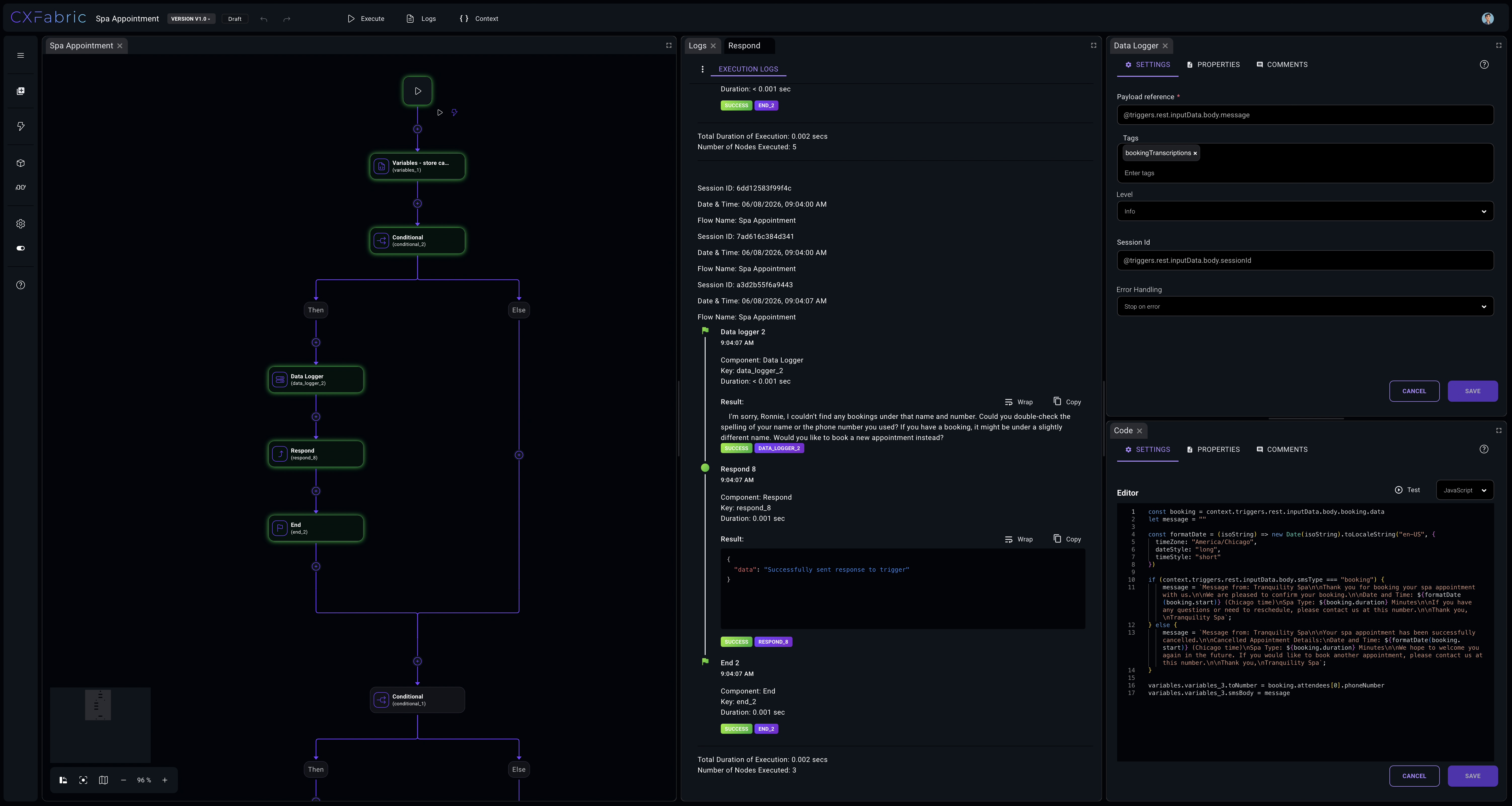
The CXFabric Orchestration Designer turns triggers, branches, actions, API calls, custom code, and responses into a readable flow. Business and technical teams can understand the workflow before it moves into production.

Visual workflow canvas Reusable components Custom logic when needed
CXFabric Designer Visual canvas + code steps
Customer event Webhook trigger
Route by policy Tenant rules
Transform payload Custom logic
Update systems Connector action
transform.ts Validated
1return {
2  customerId,
3  intent,
4  nextAction
5};
Designer

Readable workflow models

Translate customer-facing journeys into flows that product, operations, and engineering teams can review together.

Components

Reusable building blocks

Package common triggers, actions, transformations, and policy checks so future workflows start further ahead.

Code

Escape hatches for real work

Add JavaScript, TypeScript, or connector logic where low-code abstractions are not specific enough.

Connect

Reach the systems that run customer experience.

CXFabric is built for the messy middle of customer experience: CRMs, contact centers, CPaaS providers, AI services, data platforms, files, internal APIs, and legacy systems that still matter.

Connector fabric Modern, private, and legacy systems
CXF CXFabric Connector logic, credentials, events, and workflow actions.
CRM Customer records
CCaaS Voice and routing
Files SFTP and email
AI Models and tools
CPaaS SMS, chat, voice
Data DBs and APIs
REST Webhooks SQL Private APIs
Universal path

Modern and legacy systems

Connect cloud apps, private APIs, databases, file exchanges, and customer-specific services in one workflow model.

Connector logic

Versioned custom integrations

Turn customer-specific API behavior into governed components instead of fragile one-off scripts.

Deploy

Build once. Deploy where the customer needs it.

CXFabric is designed for teams that need integration automation to run close to the customer’s data, policies, network, and security controls.

Private pods

Customer-isolated runtime

Deploy workflows into isolated runtime services that can align with customer-owned environments.

Configuration

Credentials and settings

Keep auth, environment variables, tenant settings, and connector credentials governed from the start.

Release

Versions and environments

Separate development, staging, and production flows while preserving reusable components and connector logic.

Pricing

Scoped and fixed upfront

Define the target workflow, runtime model, and implementation path before buildout begins.

RunsExecution history
UsageConnector calls and duration
RolesAccess by team or tenant
LogsDebugging and audit trail

Operate

See what happened. Control what changes next.

Monitor executions, trace errors, manage versions, review usage, and control access as integrations become business-critical. CXFabric is built for repeatable operations, not one-off scripts.

Observability

Execution transparency

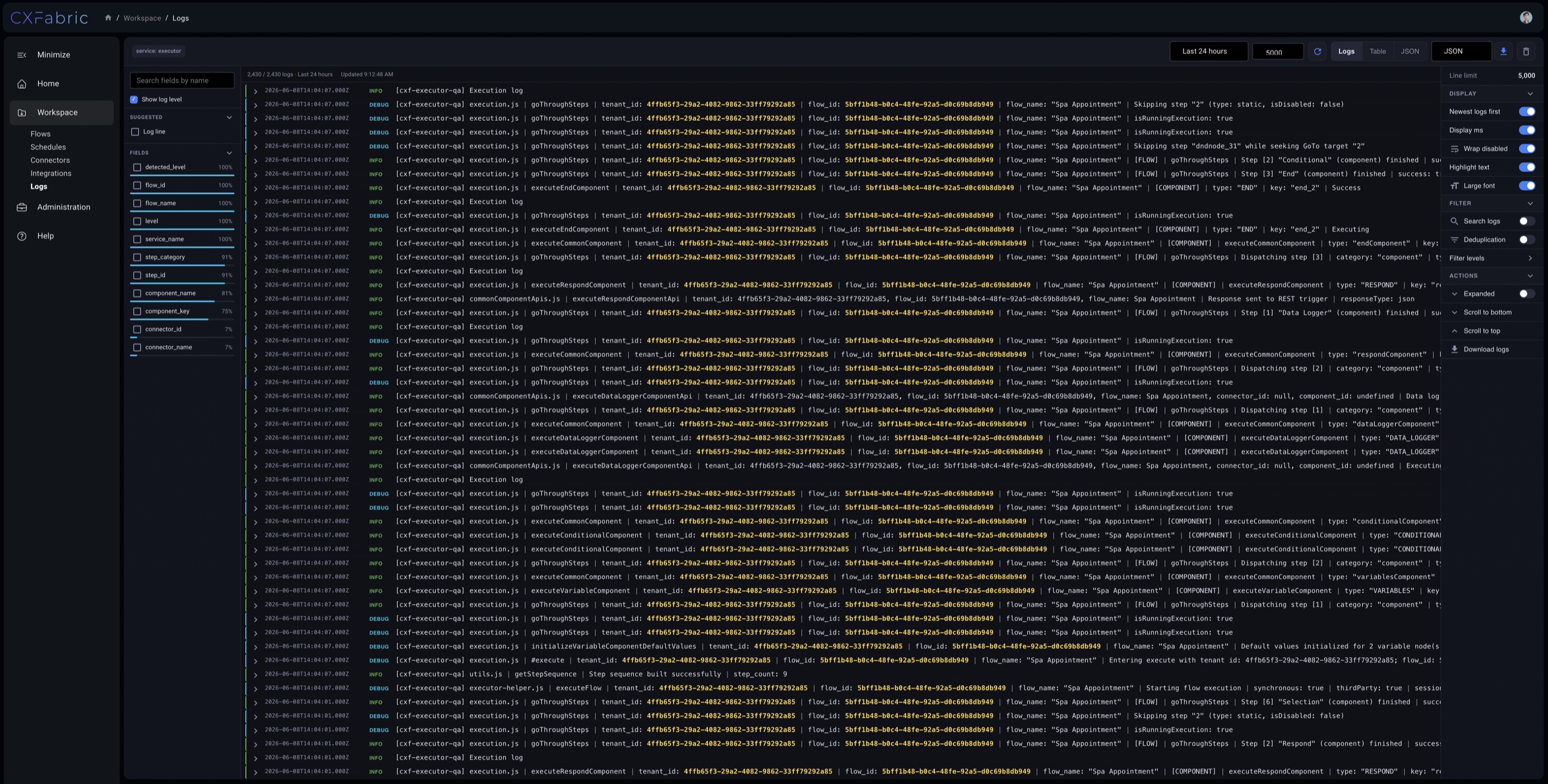
Trace what ran, when it ran, what changed, which systems were called, and where errors happened.

Access

Roles and permissions

Give teams the right access to flows, credentials, logs, and customer-specific environments.

Lifecycle

Versioned production changes

Promote updates with clearer separation between draft, staging, production, and customer-specific releases.

Govern

The enterprise foundation under every workflow.

The strongest CXFabric story is not only that workflows can be built. It is that they can be owned, secured, observed, and priced in a way that makes sense for customer-controlled environments.

Security

Credential boundaries

Keep secrets and access patterns aligned with the customer environment.

Audit

Operational history

Preserve execution logs, configuration changes, versions, and support context.

Runtime

Private deployment

Run close to the data path instead of forcing every workflow through a shared SaaS boundary.

Control

Customer-specific governance

Match tenant rules, approvals, access, and release patterns to each customer program.

Reliability

Production-ready operations

Design for retries, failure handling, visibility, and repeatable support from the beginning.

Commercial model

Fixed-price implementation

Scope the work upfront so the platform outcome is clear before production deployment.

Developer experience

Bring your code. Keep the flow visible.

Developers can write custom connector logic in JavaScript or TypeScript, work in their editor of choice, version changes, and deploy connectors back into CXFabric flows.

connector.ts versioned
1export async function action(input) {
2  const customer = await crm.lookup(input.email);
3  const booking = await api.createBooking(customer);
4  return { status: "synced", booking };
5}

Ready to transform your integrations?

See how CXFabric fits your customer environment.

Bring one workflow, one customer environment, or one integration backlog. We will map the build path, deployment model, and operating controls with you.

We will use this to follow up about your CXFabric platform walkthrough.